Airtable vs. Spreadsheets: Which is Better for Tracking Family Travel Hacking?
The Spreadsheet Struggle is Real (And Kinda Awful)
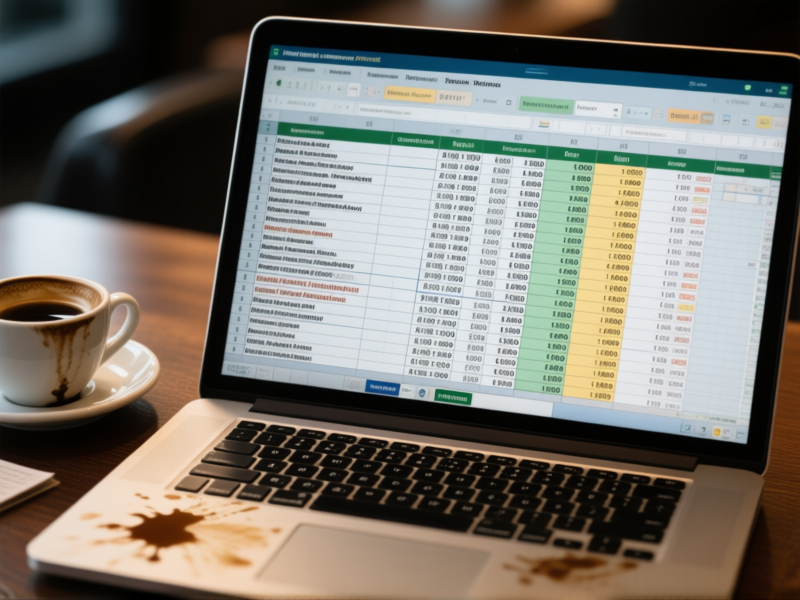
Let's be honest. Your family travel hacking spreadsheet is a mess. You've got tabs for airline miles, columns for hotel points, and a weird color-coded system you invented three years ago and now can't decipher. You spend more time untangling formulas than actually booking trips. It works, sort of, but it feels like you're managing a small business's accounting department instead of planning a vacation. The dream of free flights is buried under a mountain of CELL REFERENCE ERRORS.
Enter Airtable: Your Rewards on Steroids

Here's where Airtable changes the game. Think of it as a spreadsheet that got a brain transplant and a design degree. Instead of just cells, you have "records"—think of each reward account or flight deal as its own little card. You can attach PDFs of your credit card benefits, drop in links to flight searches, and even add a photo of that dreamy overwater bungalow as motivation. It's visual. It's connected. And it turns your data from a confusing grid into something that actually makes sense at a glance.
Face-Off: The Nasty Details
Spreadsheets are the old reliable pickup truck. They're everywhere. Everyone (kind of) knows how to use them. Sharing is easy. But good luck showing your partner how your complex `VLOOKUP` works. Or visualizing when your points expire. Airtable? It's the custom-built adventure van. Crazy flexible. You can view your data as a calendar, a kanban board, a gallery. You can automate reminders ("Hey, your 50,000 Amex points are about to expire!"). But you gotta build it. There's a learning curve. And if you're a solo operator who loves a simple list, it might be overkill. Which brings us to the big question.
So, Which One Should You Actually Use?
Listen. If you're just tracking a couple of credit card bonuses, a Google Sheet template is fine. Don't overcomplicate it. Seriously. But if you're a family juggling multiple loyalty programs, future trip ideas, and travel budgets? If you want your spouse to actually understand the plan? You'll outgrow a spreadsheet fast. Airtable isn't just a tracking tool; it's your family's travel command center. The initial setup time pays off in sheer sanity saved later. You stop managing data and start planning adventures.
Getting Started Without the Headache
Don't start from a blank base. That's a recipe for frustration. Go into Airtable's template gallery and search for "travel," "rewards," or "content calendar." Steal one. Tear it apart. Make it your own. Start with just three things: a list of your rewards programs, their balances, and your top 3 dream destinations. Connect them. That's it. You can add the fancy automations and linked records later. The goal is to make this thing useful for *you* in 20 minutes, not build a masterpiece in 20 hours. Your future self, sipping a lounge drink you didn't pay for, will thank you.