How to Create a Simple Dashboard to Track All Family Minimum Spend Deadlines
Tired of Juggling Credit Card Deadlines? Stop Guessing.
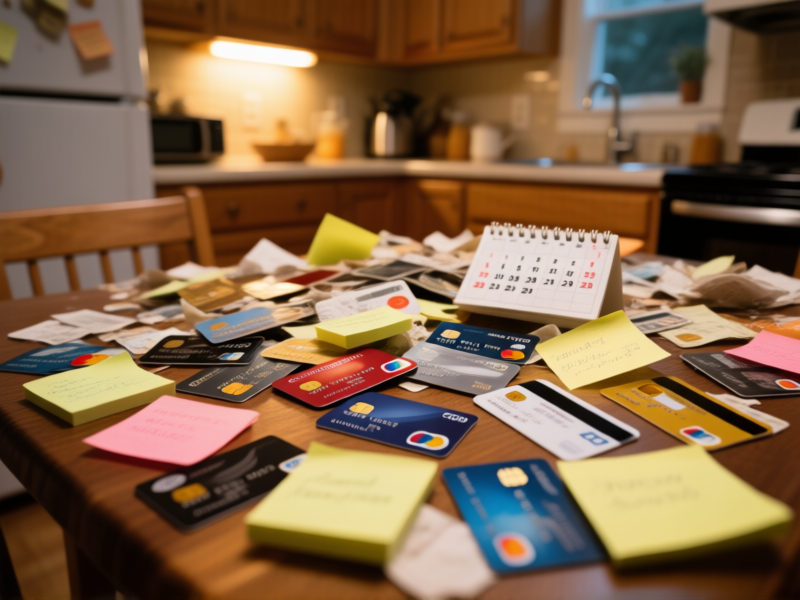
Let's be real. Between your card, your partner's, maybe a joint one, those intro offers and sign-up bonuses become a blur. You swear you had six months. Now it's week five and you're scrambling to buy gift cards you don't need. It's a terrible way to "save" money. The mental tax is worse than the annual fee. You need a single source of truth.
Forget Complex Apps. Your Weapon is a Spreadsheet.

You don't need another subscription. You need a system that bends to your will. Google Sheets or Excel is perfect. It's free. It's yours. And it works everywhere. We're not building a financial model for Wall Street here. We're building a visual panic-prevention tool. Open a new sheet. That's your dashboard. Sounds too simple? Good.
Building Your "No-Sweat" Tracker in 4 Columns
Here’s the blueprint. Column A: Card Name (e.g., "Amex Gold - John"). Column B: Deadline Date . Format it as a proper date (MM/DD/YYYY). This is key. Column C: Minimum Spend Required . Column D: Amount Spent So Far . That's it. The magic happens when you add a fifth: Column E. Call it "Remaining & Days Left" . We'll make it do the math.
The Secret Sauce: Two Simple Formulas That Do The Work
This is the part people skip. Don't. In your "Remaining" column (E), type this:
=C2-D2
. It subtracts what you've spent from the goal. Below that, in a new column or cell, calculate days left:
=B2-TODAY()
. It counts down automatically. Every. Single. Day. Seeing "23 Days, $412 Left" is a clarion call. It's actionable intel, not a vague worry.
Making It Impossible to Ignore: Color & Calendar Sync
Right-click those deadline cells. Hit "Conditional Formatting." Set a rule to turn the cell orange if the date is within 30 days. Red if it's within 7. Instant visual triage. Now, take five more seconds. Highlight all your deadline dates, copy them, and paste them into your Google Calendar or iCal. Title them: "MIN SPEND DUE: [Card Name]". Set a reminder for one week before. Now it's in your life flow, not a hidden tab.
The Weekly 5-Minute Ritual That Saves You Hundreds
This only works if you look at it. Every Sunday with your coffee, open the sheet. Scan the color coding. Update the "Amount Spent" column from your banking apps. Takes five minutes. You'll see a deadline creeping up in yellow and you'll intentionally buy groceries with that card. You're not reacting. You're directing. The stress evaporates. You're just a person with a plan, sipping coffee.