How to Use Browser Extensions to Automatically Apply Card Offers Online
You're Probably Leaving Free Money On The Table

Let's be real. You know you should check your credit card's shopping portal for bonus points. You mean to search for a coupon code before clicking "buy." But in the moment, you forget. You're tired. It's a hassle. That extra 5% cash back or 500 bonus miles slips through your fingers. Every single time. I've been there. It's maddening. But what if your browser could just handle that for you? Automatically. No thinking required. That's not a fantasy. It's a simple extension away.
How These Magic Little Buttons Actually Work
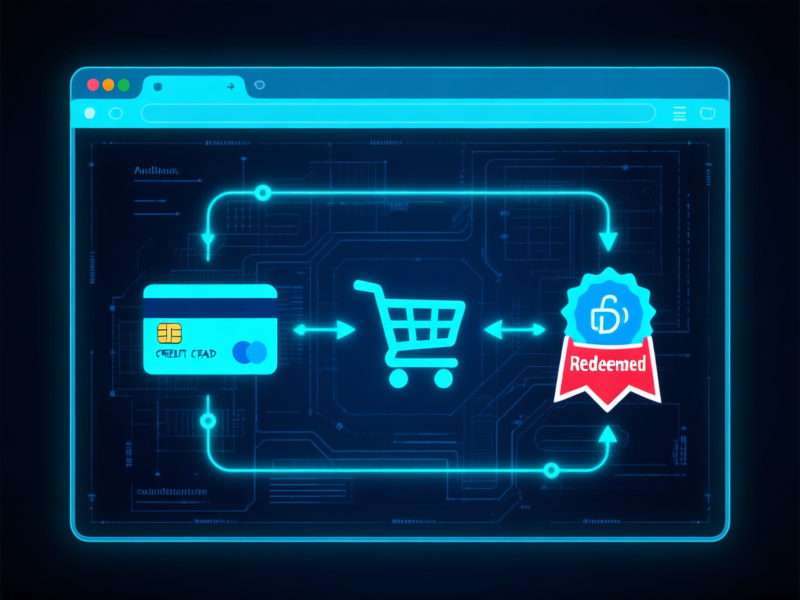
Think of these extensions as your super-organized, slightly obsessed shopping friend. You install one in Chrome, Firefox, or Edge. Then you go about your life. When you land on a checkout page at, say, Home Depot, the extension wakes up. It scans its massive database in milliseconds. It checks: "Does this user's Chase card offer 5% back here? Do we have a working 'SPRING20' code? Is this store in the Amex Offers portal?" If the answer is yes to *anything*, a subtle notification pops up. A single click applies the best offer. That's it. Your price drops. Your points stack up. All because you let a robot do the grunt work you hate.
The Best Tools For The Job (My Top Picks)
You've got options. For pure, comprehensive power, it's hard to beat Rakuten (formerly Ebates). It's the granddaddy. Huge network of stores, solid cash back, and it reliably finds codes. Capital One Shopping is a fantastic free alternative that doesn't require a Capital One card. It's aggressive about finding codes and price comparisons. My personal sleeper hit? Honey (from PayPal). It's dead simple, tests dozens of codes in a flash, and has a cool "Droplist" price-tracking feature. Don't overthink it. Pick one, install it, and forget it. Let it start earning its keep immediately.
Beyond Coupons: Your Secret Rewards Radar
Here's where most people stop. Big mistake. These extensions aren't just one-trick coupon ponies. They're your full-stack savings command center. Before you even think of buying, they can show you the price history of that gadget. Is this a "lowest price in 90 days" moment or a rip-off? They'll tell you. They'll also compare the price across other sites with one click. And my favorite feature: automatic loyalty point tracking. Forgot you had 500 Best Buy points? The extension will nudge you. It turns your passive browsing into an active reconnaissance mission for value.
Stop Trying to Remember Everything
Your brainpower is for better things. For deciding if you actually need that thing. Not for memorizing which portal offers change this Tuesday. The whole point of technology is to automate the tedious stuff. Setting this up takes two minutes. The payoff is permanent. You'll buy a suitcase and get a surprise email: "Your 3,000 miles are on the way." You'll check out and see the total magically shrink. That feeling? It never gets old. It’s just free money, found by a bot that works for you.