The 'Digital Wallet' Strategy: Organizing Your Family's Cards for Maximum Security
So You Still Carry a Card Binder? Let's Fix That.

Look, I get it. You think those little wallet apps are for tech bros or people who buy coffee with Bitcoin. But here's the thing: your actual wallet is a liability. It’s a bulging, leather brick of chaos. You dig for a card at the register while three people sigh behind you. You lose a store card and miss a sale. Actually, you hate that feeling. Time for an upgrade you'll actually use.
The Security Win Isn't a Gimmick. It's Physics.
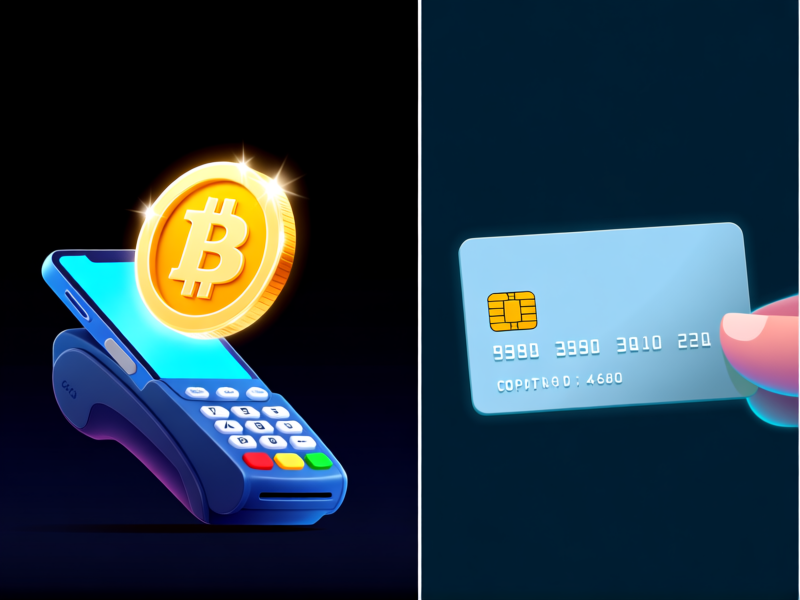
Your plastic card's number is carved in, like graffiti on a wall. It's static. Every time you swipe or hand it over, you're giving that number away. Digital wallets like Apple Pay and Google Wallet use a trick called tokenization. Fancy word, simple idea: your real number never leaves your phone. It sends a one-time, scrambled "token" instead. So if a terminal gets hacked? That token is worthless junk. The thief gets nothing. That's not just better. It makes your old way look reckless.
Getting Started: Pick Your Fighter.
This is the easiest part. If you're team iPhone, you've got Apple Pay. It’s baked into the Wallet app. On most Androids, it's Google Wallet. Open the app, tap "Add a card," and point your camera at your credit card. It takes 60 seconds. Your bank will do a quick verification. That's it. No, seriously. The first time you pay by just tapping your phone, you'll feel a little thrill. It’s okay to admit it.
The Family Command Center: Your New Superpower.
Here’s where the strategy clicks. You can organize everyone. For iPhones, Family Sharing lets you approve cards for your kids. On Android, Google Family Link can manage it. The goal? Ditch the "I forgot my wallet" panic. Your teenager needs gas? Approve the charge on your phone, and they tap theirs. Your partner can't find their card? Their phone is already loaded. You become the central hub. All the cards, none of the physical clutter getting lost in a gym bag.
The One-Hour Weekend Flip.
Set a timer. Grab the family's wallets. Every single card—debit, credit, library, pharmacy, coffee shop. Open your respective wallet apps and start scanning. Toss the store cards in a drawer as backup after you add them. Keep the one or two essential physical cards you might *absolutely* need. Feel the weight disappear. You're not just organized. You're safer. Now go buy a coffee. Just tap your phone and walk away. See? Easy.