The Family Password Manager Setup for Secure Credit Card Account Access
Stop Using The Sticky Note Method. Seriously.
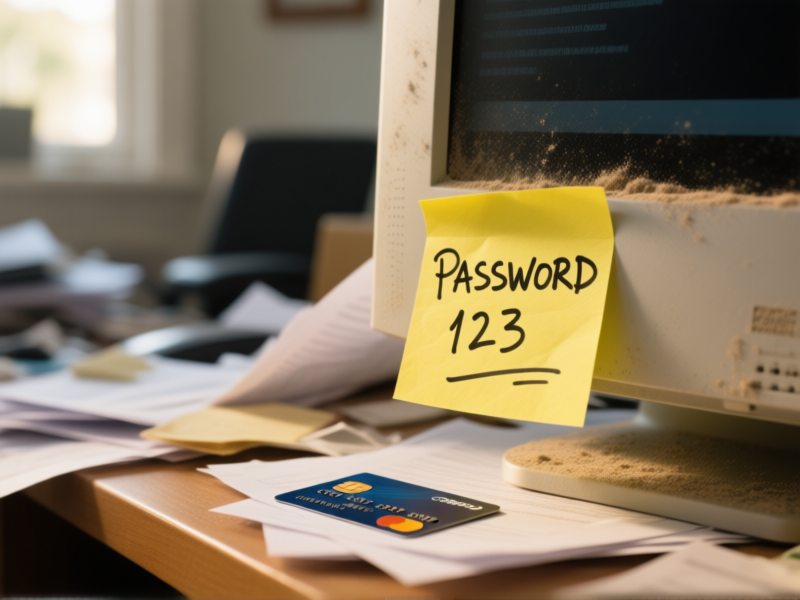
Let's be real. You've got passwords written on sticky notes, saved in your browser, or—my favorite—a "secret" document on your desktop. Your kid needs to log into the streaming service you share, so you text them the password. Again. For your credit card accounts, you maybe have two passwords you rotate? It's chaos. It feels like you're one lost notebook or one text screenshot away from disaster. And you're right. That feeling in your gut? That's logic screaming at you.
Your New Family Command Center: The Password Manager
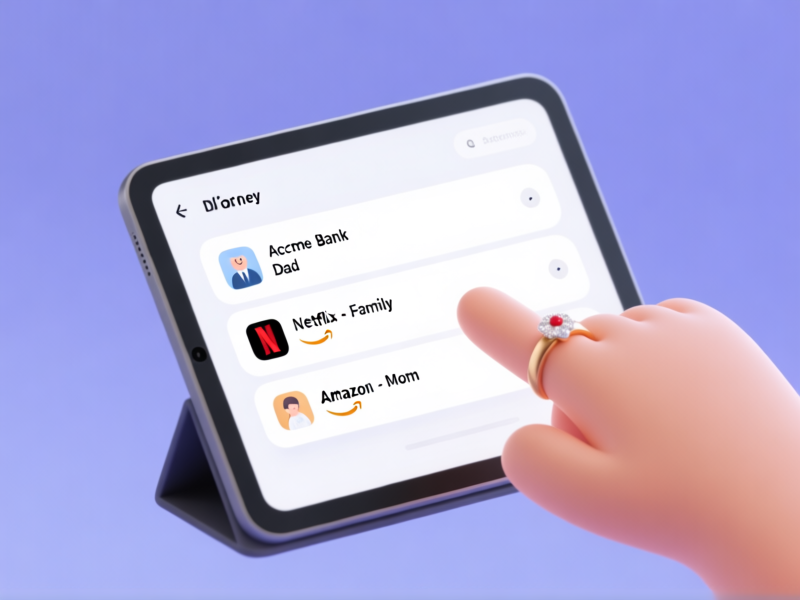
A password manager isn't some complicated tech-magic. Think of it as a super-secure, digital lockbox. One that only your family can open. You create one ridiculously strong password—the *only* one you have to remember. Everything else, the app generates and stores for you. Bank logins, credit card sites, streaming accounts, your kid's school portal. All of it, in one place. Suddenly, sharing the Wi-Fi password with your sister-in-law visiting for the holidays isn't a security crisis. It's a button click.
Setting It Up: The 20-Minute Family Meeting
Schedule 20 minutes. That's all you need. Get the partner, get the teens. Everyone downloads the same app (like Bitwarden, 1Password, or Dashlane). The first person creates the "Family Vault." Then you invite the rest of the crew via email. They join. Done. Boom. The first rule: your master password must be a random phrase of words. "CoffeeTigerRainbowBrick" is better than "Fido1984!" No, seriously. The app will help. This is the single most important step. Don't mess it up.
The Credit Card Fortress: Your Secure Vault Inside The Vault
Here’s where it gets smart. Create a login entry for each credit card website. Let the app generate a 20-character monster of a password for each one. Now, store more than just the login. Most password managers have a "Secure Note" field. Put your card's full number, expiry, and CVV code in there. Now, when you need to update auto-pay or check a statement, you're not scrambling for your wallet. It's already there, locked behind the master password. And if your spouse needs to handle the bills? They can access it without you ever having to read the numbers out loud.
The "What If I Get Hit By A Bus?" Plan (Emergency Access)
A dark thought, but a practical one. What if something happens to the main account holder? The bills still need paying. Most family plans let you designate "Emergency Contacts." You can grant a trusted family member access to your vault after a set waiting period (like 48 hours). They request access, you don't respond in time (because, bus), and then they're in. This is non-negotiable. It's not about trust. It's about making sure a life event doesn't also become a financial lockout crisis.
Make It a Habit, Not a Chore
The hardest part is the first two weeks. You'll forget. You'll try to type old passwords. Fight the urge. Use the browser extension. Use the phone app. Every time you log in somewhere new, save it to the vault. Get your family to do the same. Soon, it's just how things work. No more frantic group texts. No more password resets. Just secure, shared access. And you can finally throw away those sticky notes.